
ERPNext Stock Management
Know what you hold, where it is and what it is worth. Every receipt, transfer and delivery updates the stock ledger, so quantities and values are current in every warehouse.
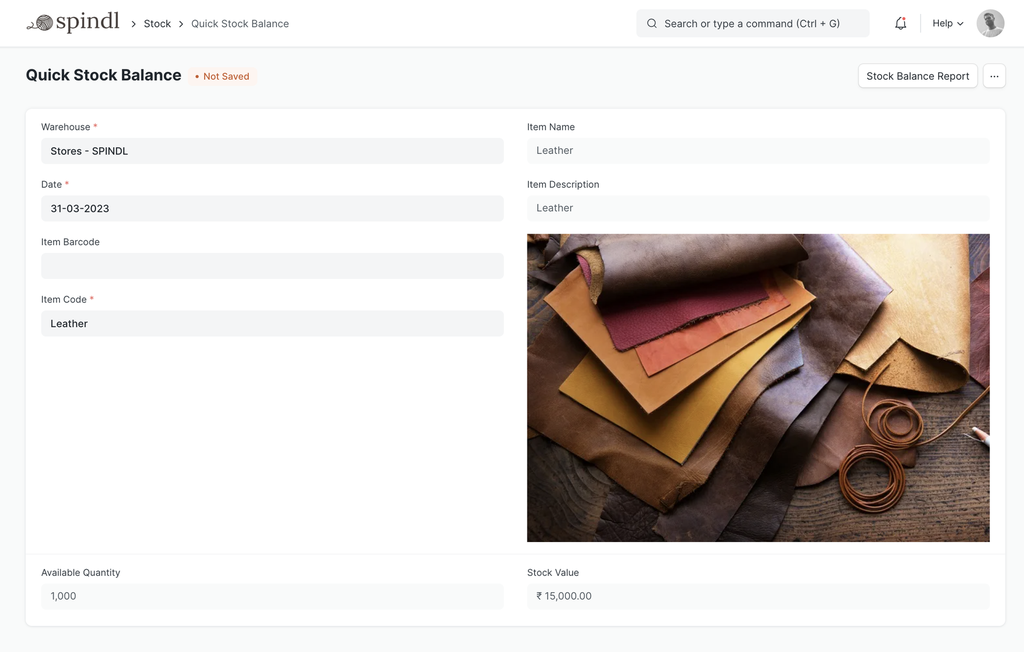
DocumentsStock Entry · Purchase Receipt · Delivery Note · Stock Reconciliation · Pick List
ReportsStock Balance · Stock Ledger · Stock Projected Qty · Stock Ageing
Works withSelling · Buying · Manufacturing · Accounting
Inside ERPNext Stock Management
Items
Items with variants, several units of measure, barcodes and item groups.
Warehouses
A tree of warehouses, from a whole site down to a rack, across companies and locations.
Stock movements
Receipts, issues, transfers and manufacturing entries, each recorded in the stock ledger.
Batches and serial numbers
Batch and serial tracking with expiry dates, from receipt to delivery.
Valuation
FIFO or moving average valuation, with stock value posted to accounts in real time.
Reordering
Reorder levels per item and warehouse, with material requests raised automatically.
Stock counts
Stock reconciliation to correct quantities and values after a physical count.
Quality and picking
Quality inspections on receipt and delivery, pick lists and putaway rules.
How the documents flow
Each step is a document in ERPNext, linked to the one before it, so you can follow any transaction from start to finish.
Purchase Receipt
Goods arrive and are added to a warehouse at their cost.Stock Entry
Stock moves between warehouses or into production.Pick List
Items are picked for delivery from the right locations.Delivery Note
Goods leave, and stock and its value are reduced.
Common problems it solves
The system doesn’t match the shelves
Every movement is a document, so the stock ledger explains how each quantity came about.
Nobody knows what is available
Actual, reserved and projected quantities are visible for every item and warehouse.
Stock value is a guess
Valuation is calculated on every transaction and posted to accounts.
Configure, customize, integrate, automate
Standard ERPNext first; custom work only where it earns its place.
Configure
Warehouses, units of measure, the valuation method, batch and serial rules and reorder levels.
Customize
Barcode label print formats, warehouse-specific fields and approval steps for stock adjustments.
Automate
Material requests at reorder levels, and stock and expiry reports sent on a schedule.
Stock you can’t trust?
Tell us how many warehouses you run and how stock moves. We’ll show how ERPNext tracks it.